🔒 Images stay on your device and are not uploaded.
Sticker maker | Arrange images and text on A4
Choose one or more images and adjust text and sizes to create an A4 sheet.
Choose images or drag and drop them here
PNG / JPG / WebP
Choose a sample
Copies per image
A4 sheet preview
Print at actual size on A4 and cut out the stickers yourself. Printer margins may vary.
The PDF cut line is a separate vector layer. Your printer may require specific file settings.
How to use
- Choose one or more sample or personal images.
- Adjust shape, size and text.
- Save a PNG or PDF and print at actual size on A4.
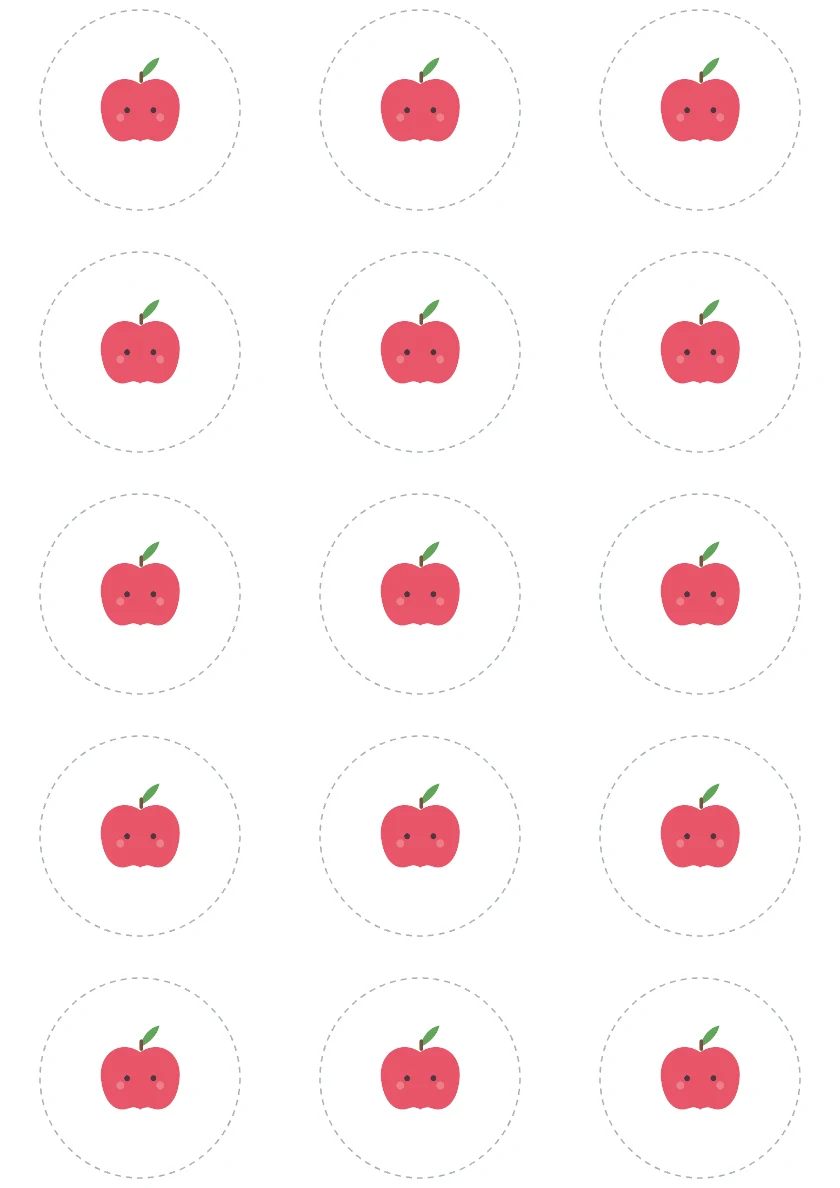
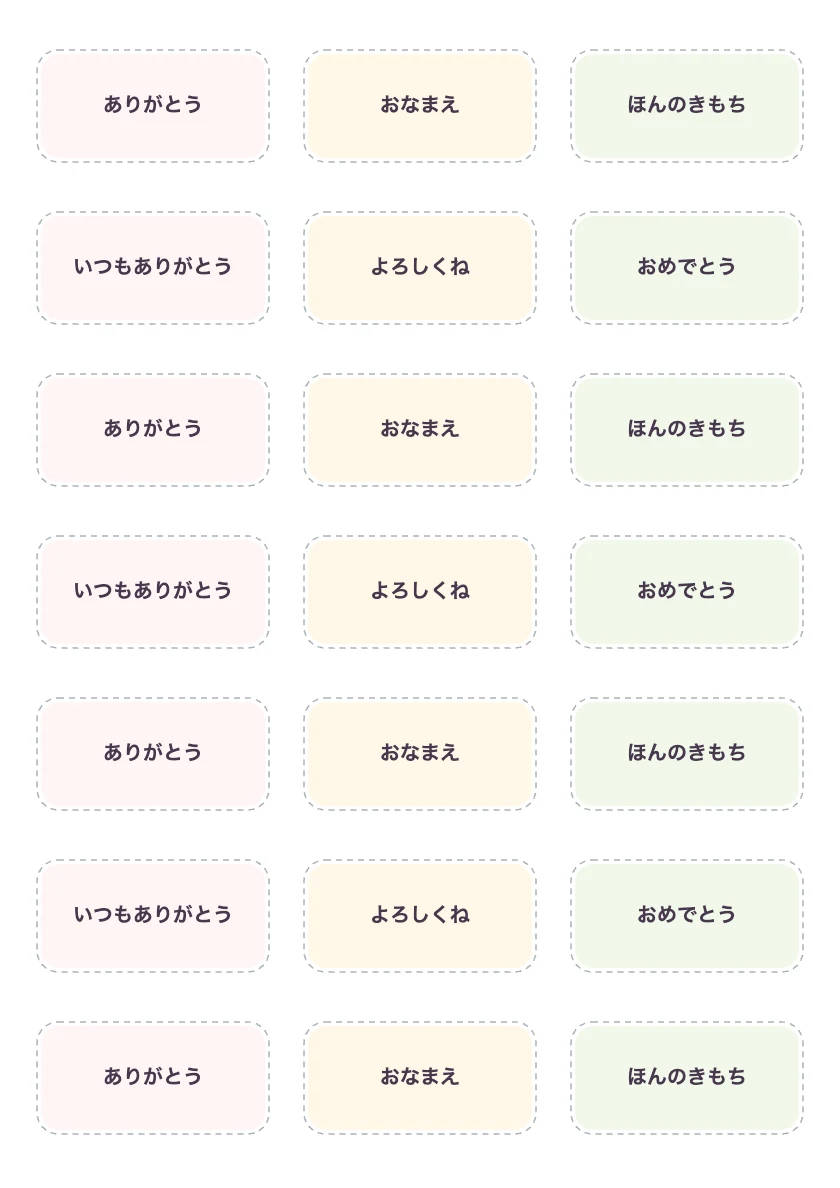
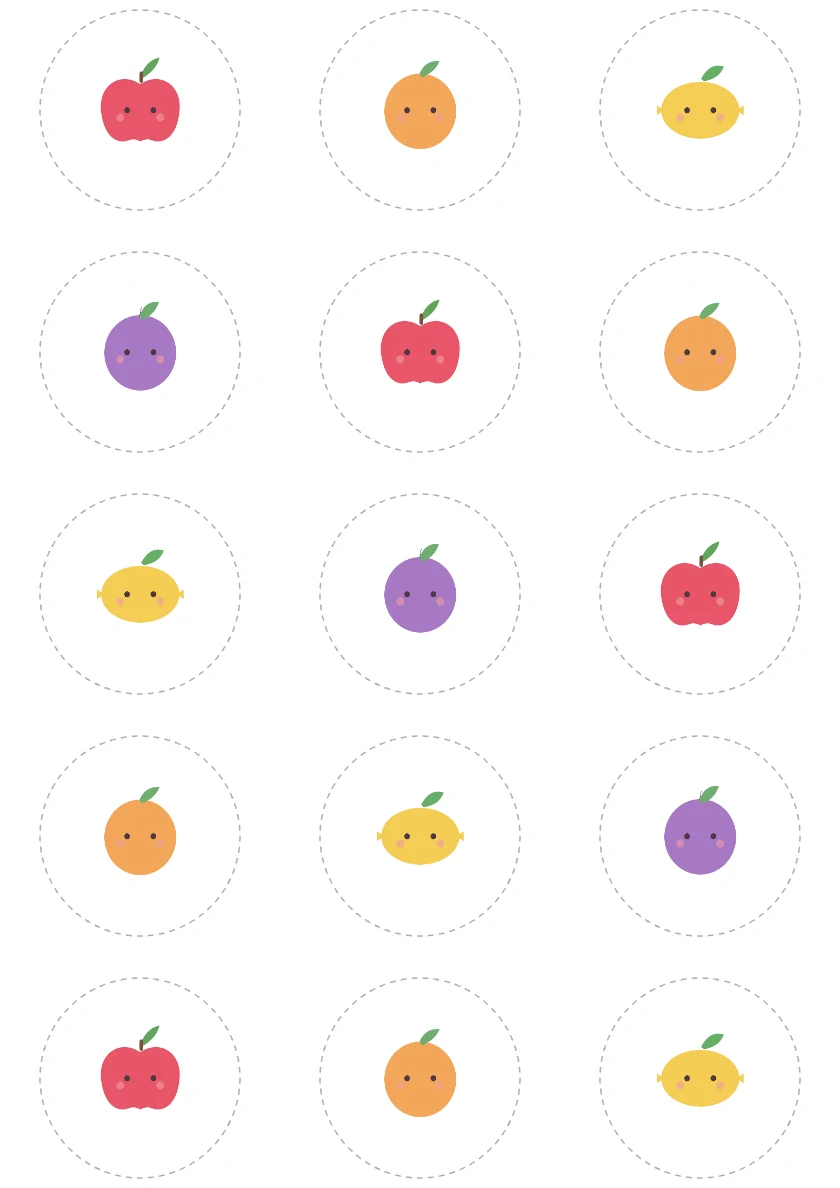
Sticker example
Examples of sheets with images and text.
Frequently asked questions
Are images sent to a server?
Images are processed on your device without uploading. Analytics are used.
What files can I use?
Load PNG, JPEG or WebP and save PNG or PDF.
Does this cut stickers automatically?
No. This creates a print sheet; cut the stickers after printing.