🔒 Images are processed on your device and are not uploaded.
Create a button badge print image
Arrange a photo in a circle and set the finished diameter and outer bleed.
Drag the image to reposition
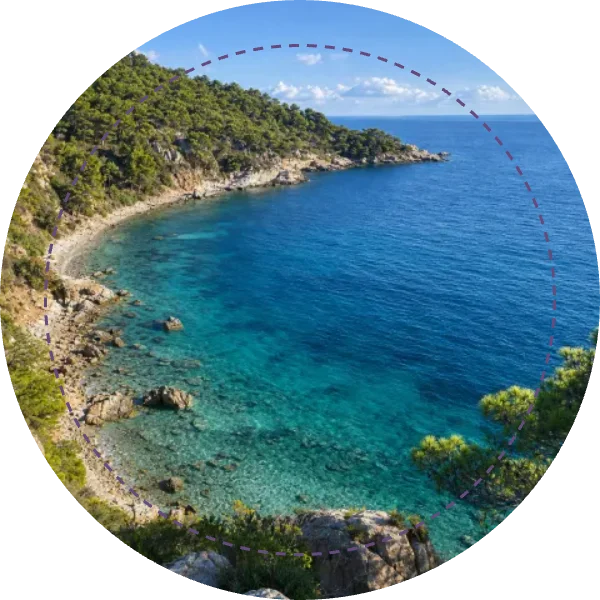
The dashed circle indicates the approximate finished edge and is not exported. Confirm bleed and print dimensions with your manufacturer.
Example
How to use
- Choose an image you have permission to use.
- Enter the diameter and bleed, then adjust image position and zoom.
- Save the transparent PNG and size it to your manufacturer’s requirements.
FAQ
Are images uploaded?
Images stay on your device. Access analytics are used.
Are guide lines saved?
No. The dashed line is only shown in the preview.
Can I order a badge here?
No. This tool only prepares an image for printing.