🔒 Photos stay on your device and are not uploaded.
Wedding opening video maker | Photos and captions
Arrange your photos and captions into a wedding opening video on your device.
Video preview
Your audio is combined on your device. Silence follows if the audio is shorter than the video. Check your rights to use it.
Saves as MP4 when supported, otherwise WebM.
How to use
- Add photos and arrange them.
- Set each caption and duration.
- Save the video and check playback.
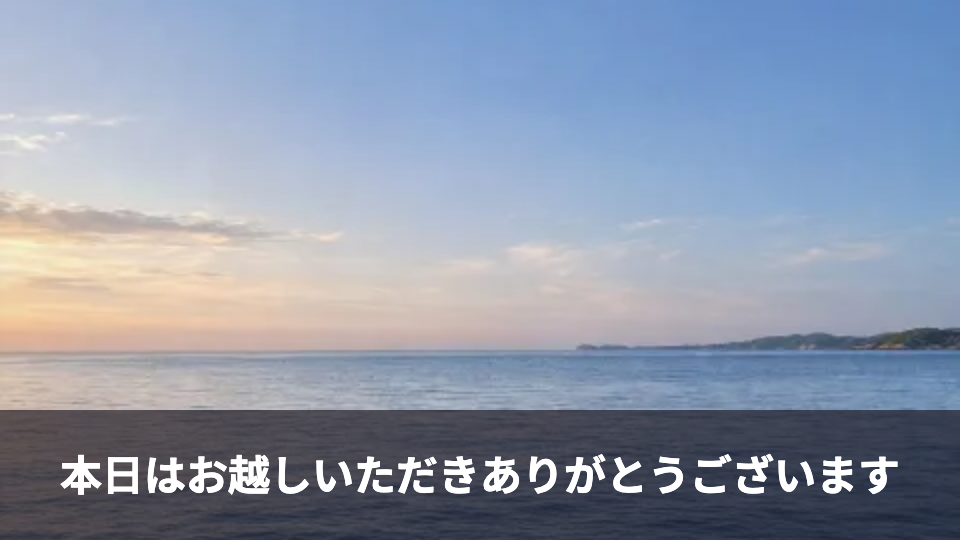
Wedding opening video example
An example frame with a photo and welcome message.
Frequently asked questions
Are photos sent to a server?
Photos are processed on your device and not uploaded. Analytics are used.
Can I add music?
Yes. Your own audio is combined on your device; shorter audio is followed by silence.
Will it play on every device?
If MP4 encoding is unavailable, the video is saved as WebM. Check playback first.