🔒 Your entries stay on your device and are not sent.
Wedding invitation maker | Edit names, date and venue
Edit names, date and venue, then save an invitation as PNG or PDF.
Invitation preview
Creates a portrait A5 image and PDF. Printing and mailing are not included.
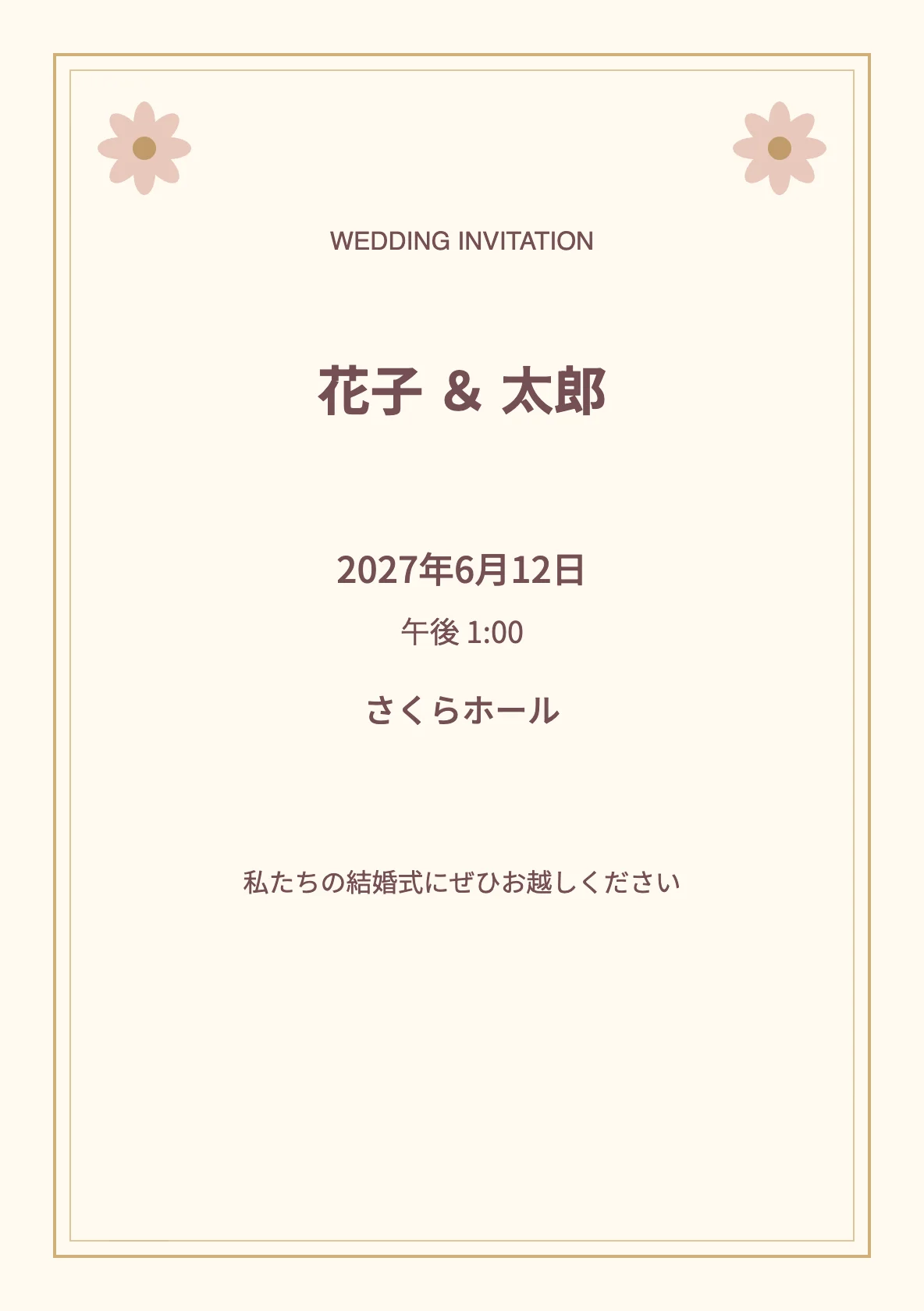
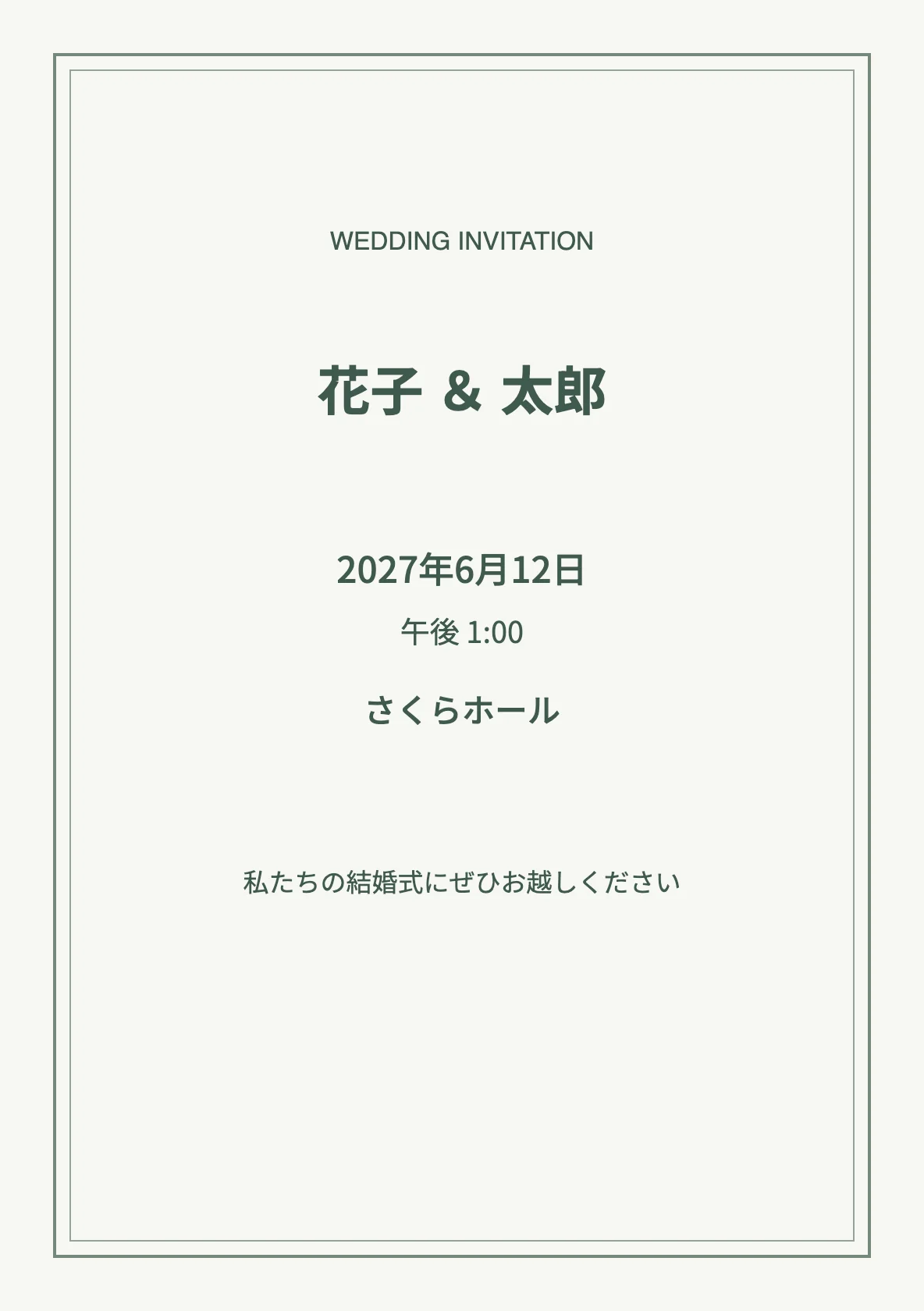
Invitation examples
How to use
- Edit the sample names, date and venue.
- Choose a design and message.
- Save a PNG or PDF and check the details.
Frequently asked questions
Are my entries sent anywhere?
Entries are processed locally and not sent. Analytics are used.
What can I save?
You can save a portrait A5 PNG or PDF.
Can I order printing or mailing?
This tool creates image and PDF files only; printing and mailing are not included.