🔒 Photos stay on your device and are not uploaded.
Wedding profile book | Photos and introductions in PDF
Edit cover, profiles and Q&A examples using your own photos and text.
Choose photos or drag and drop here
PNG / JPG / WebP
Profile book preview
Photos on this page
Use the arrows to reorder photos.
Pages are saved as an A4 portrait PDF. Booklet imposition and binding are not included.How to use
- Replace the example photos with your own.
- Edit each page heading and introduction.
- Save all pages as PDF and check your printing method.
Profile book example
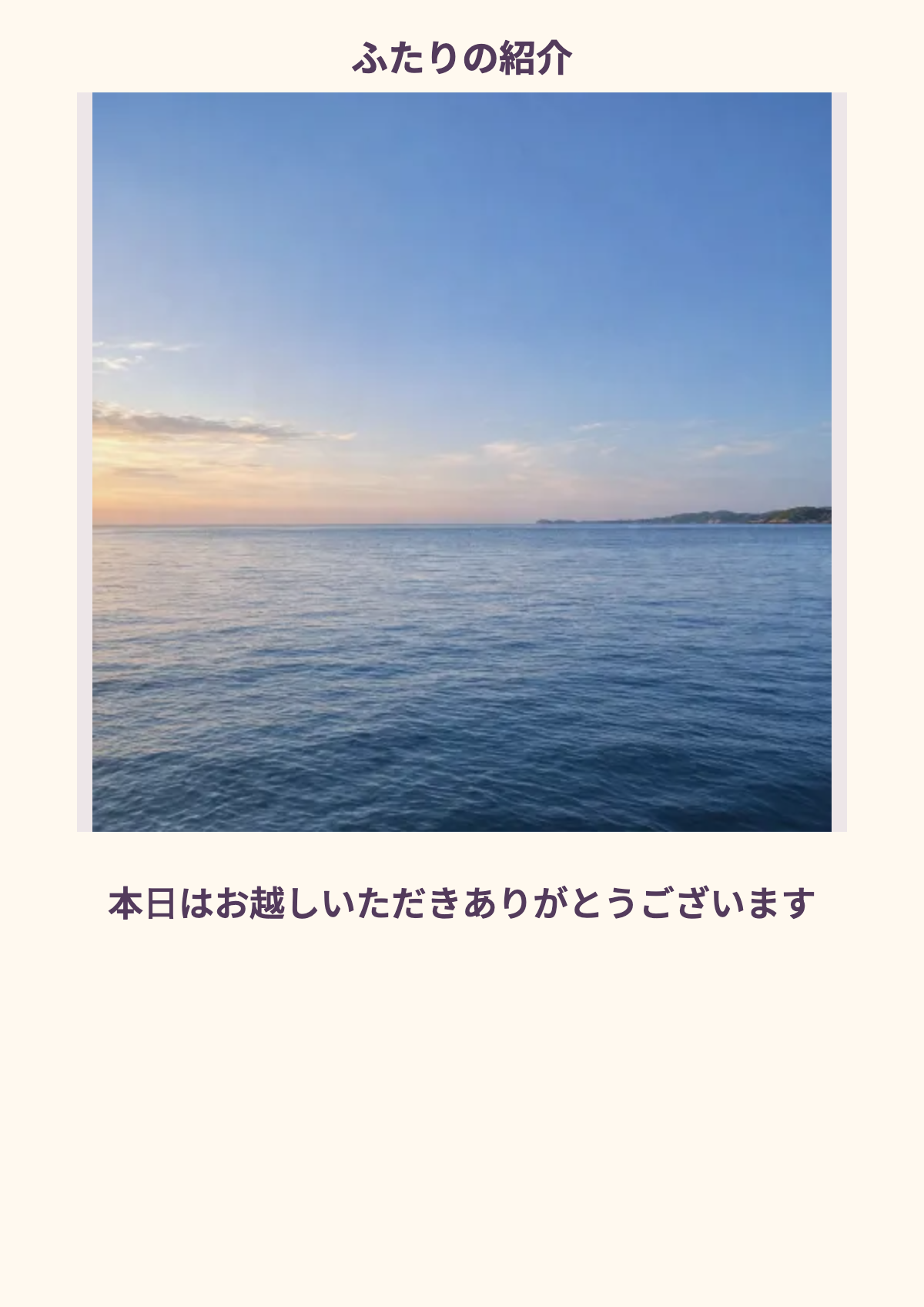
A cover with a photo and heading.
Frequently asked questions
Are photos sent to a server?
Photos are processed on your device and not uploaded. Analytics are used.
Can I save multiple pages?
Yes. Add pages and save them together in one PDF.
Does this automatically make a bound booklet?
No. The PDF contains A4 pages in order; imposition and binding are separate.