🔒 Images are processed on your device and are not uploaded.
Photo wall layout simulator
Place photos on a sample wall, adjust their position and size, and save the result.
Add images (multiple files supported)
PNG / JPEG / WebP
Click an image to select it, then drag to move it.
Layer order
Images higher in the list appear in front.
How to use
- Try the samples or add images.
- Select an image and adjust its position, size, opacity and order.
- Save the result as a PNG.
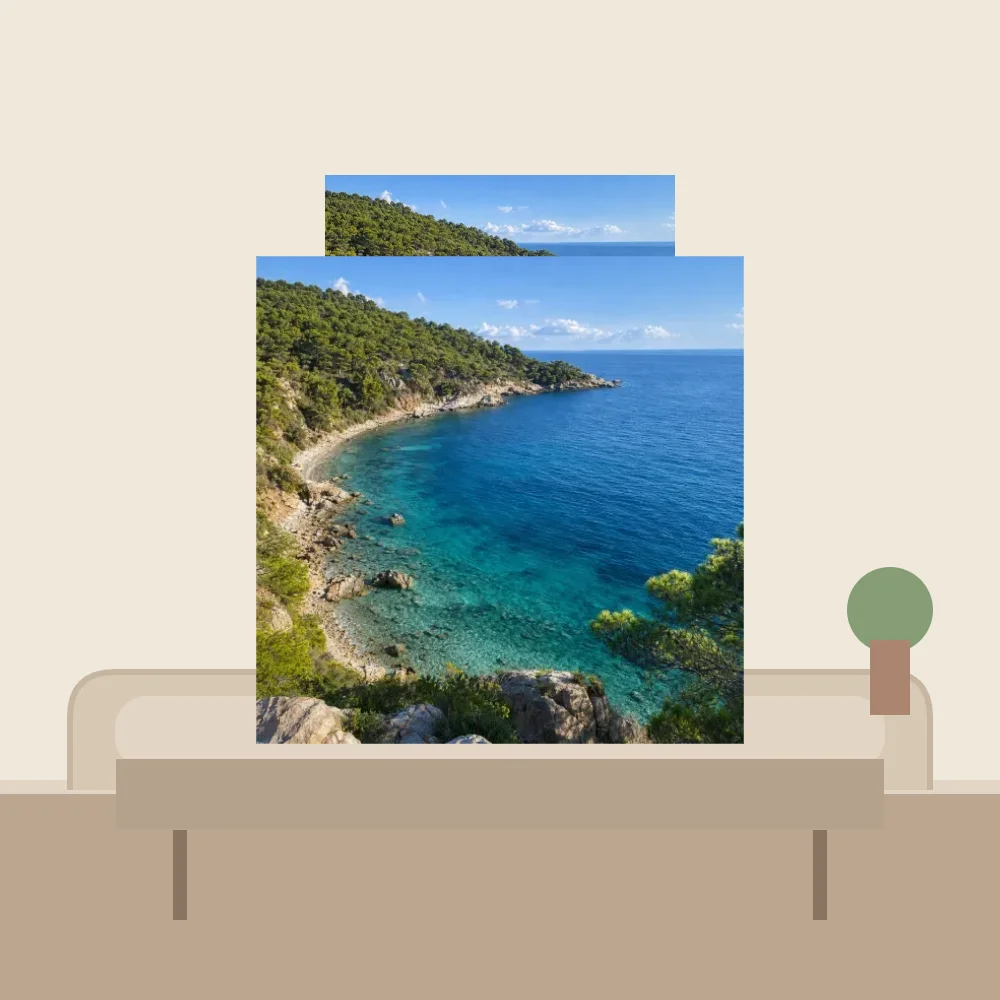
Photo wall example
Frequently asked questions
Are images sent to a server?
Images stay on your device and are not uploaded. Analytics are used.
Which image formats are supported?
You can add PNG, JPEG and WebP images.
Can I save a transparent background?
Yes. Areas without an image remain transparent in the PNG.