🔒 Images are processed on your device and are not uploaded.
App icon maker | Crop and export icon sizes
Crop an image locally and save PNG sizes in a ZIP.
Choose an image or drag and drop here
PNG / JPG / WebP
Preview
How to use
- Choose an image or try the sample.
- Adjust zoom and position to crop a square.
- Choose a size set and save the ZIP.
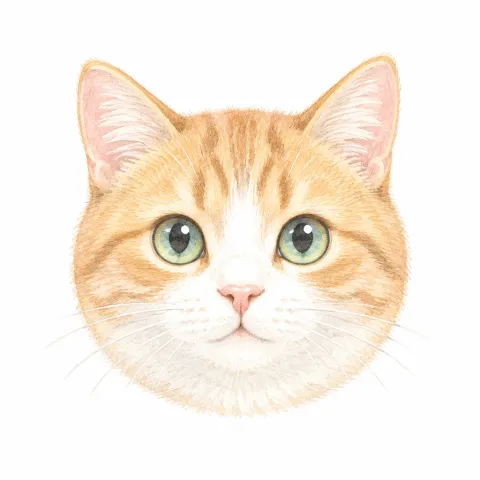
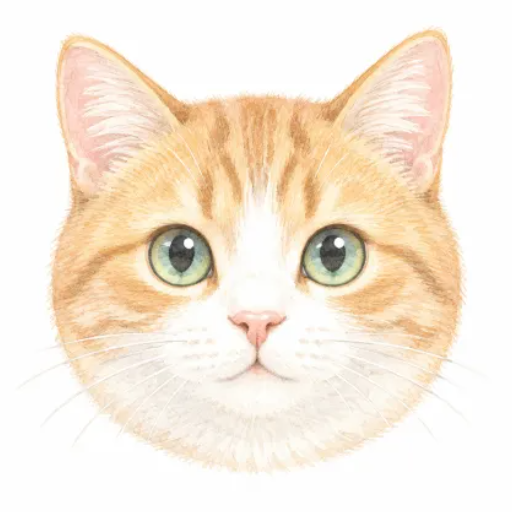
Example: source and exported icons
The same cat image was zoomed, positioned, cropped square and saved in different sizes.

Frequently asked questions
Are images sent to a server?
Images and ZIP files are processed on your device. Analytics are used.
Will this change system icons?
This creates image files; follow your device or app instructions to change an icon.
Which images can I use?
Use PNG, JPEG, or WebP images you have the right to use.