🔒 Images and text stay on your device and are not uploaded.
Academic poster maker | A0 and A1 research layouts
Enter a title, authors, background, methods, results and a figure.
Poster preview
The image is 2480 × 3508 px: about 75 dpi at A0 and 106 dpi at A1. Check your printer’s requirements.
How to use
- Choose a paper size.
- Enter the title, authors, sections and figure.
- Save PNG or an A0/A1 PDF.
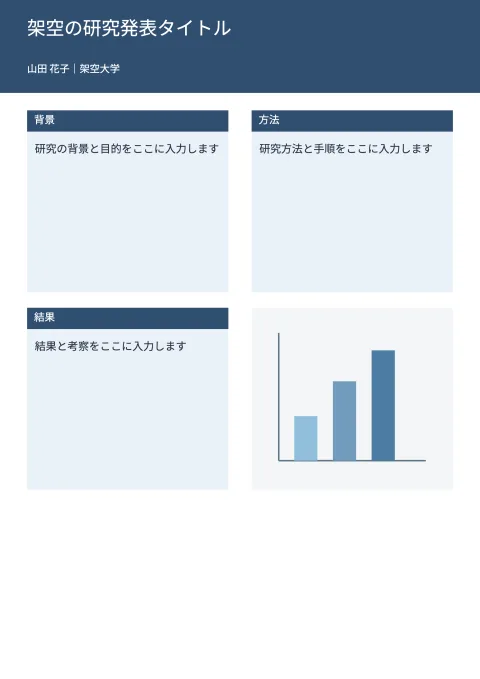
Academic poster example
A layout with fictional research content.
Frequently asked questions
Are images sent to a server?
Images and text stay on your device. Analytics are used.
Can I use my own image?
Yes, choose a PNG, JPEG or WebP image.
What size and resolution is the output?
The PDF paper is A0 or A1. The image is 2480 × 3508 px.